
Long courses are great until life gets busy. Most people do not have an hour a day to study the stock market, but almost everyone has five minutes and a phone. The StockYatra Watch feed is built for those five minutes: every video in the app, in one vertical feed you swipe through, from 25-second how-tos to lesson explainers in Nepali, English and Hindi.
In short
- The Watch feed collects every StockYatra video: help videos, safety videos, lesson explainers and creator clips.
- Swipe up for the next video. Like, comment, share to a friend or Global chat, and save for later.
- A searchable gallery filters by type, course, category and popularity.
- It is free, and it pairs naturally with practising the same idea on the simulator.
What is in the Watch feed
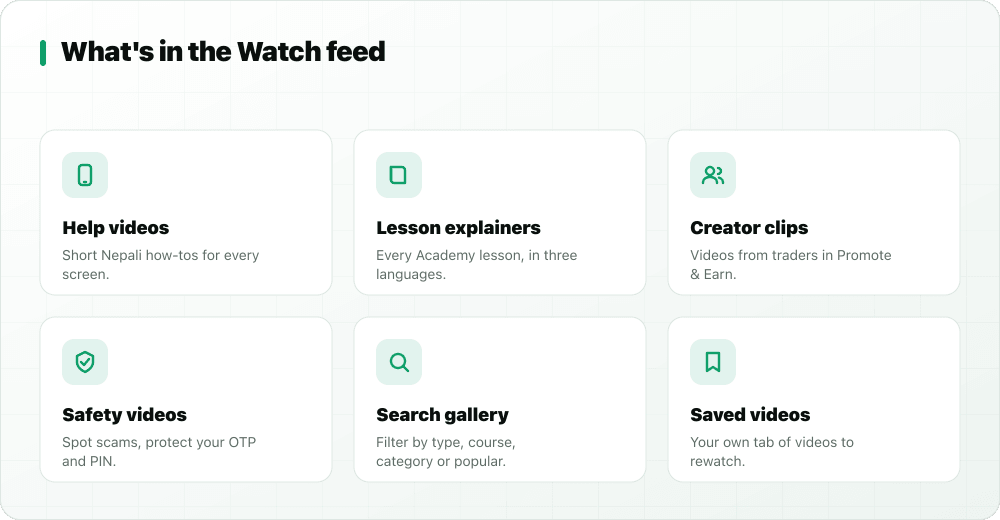
Short help videos in Nepali
Each help video shows one task in the real app, in under 30 seconds, with a Nepali voice and captions: how to buy, sell, set a stop-loss, close a position, read your portfolio, use the heatmap, set price alerts, check IPOs, join a league or refer a friend. If you are new, these answer "where do I tap?" faster than any article.
Safety videos
A set of safety videos covers the questions beginners ask most and the traps they fall into: why coins cannot be withdrawn, how to earn coins, the difference between practice and real investing, and how to spot and report scams. Each carries the same message: StockYatra never asks for money, an OTP or bank details.
Lesson explainers in three languages
All 117 Academy lessons have an explainer video in Nepali, English and Hindi. In the feed, a language button on each lesson video switches between Nepali, English and Hindi without losing your place, and an open lesson button takes you to the full lesson. We cover how the lessons work in a stock market course in Nepali, English and Hindi.
Creator clips
Traders who post about StockYatra through Promote & Earn appear in the feed too. Creator content follows one hard rule: no real-money claims and no cash footage. Coins are for practice only.
How to use the feed
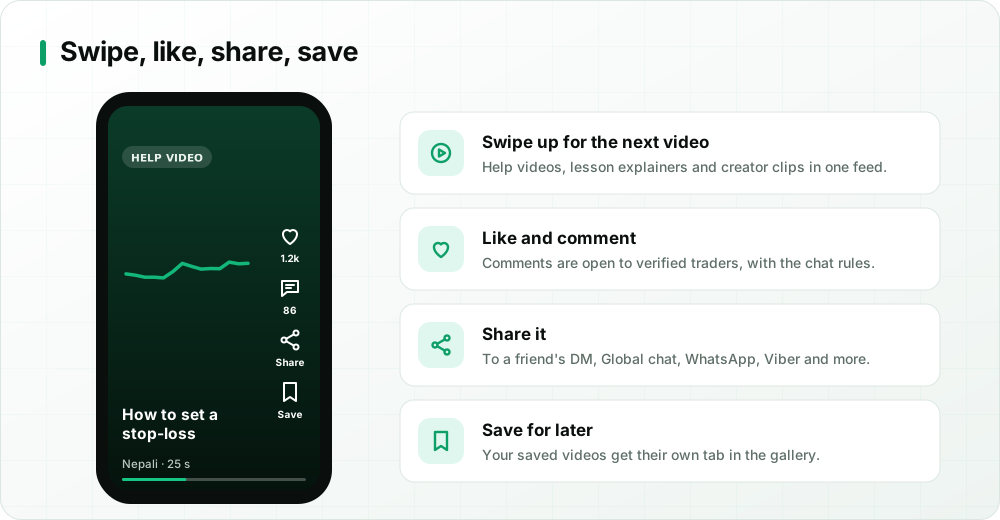
Open the feed from the red Watch button in the header on the Home screen or in chat. Then:
- Swipe up for the next video. The order is shuffled each time you open the feed, and videos related to the one you opened come right after it.
- Like a video to tell us it helped, and to push it up the popular list.
- Comment with a question or a tip. Comments are open to verified traders and follow the same rules as chat: respectful, no buy/sell tips, no spam.
- Share a video straight to a friend's direct message, to Global chat, or out to WhatsApp, Viber, Messenger or Telegram, or copy the link.
- Save it to watch again later.
Your watched and saved lists are stored on your own device.
Search the gallery
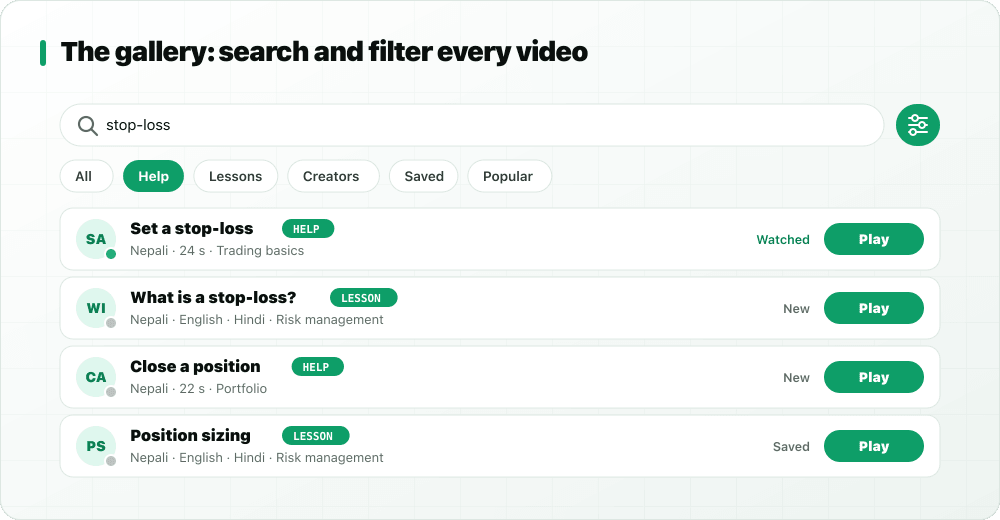
Tap the search icon to open the gallery. Type a word such as "stop-loss" or "IPO", then filter by type: All, Help, Lessons, Creators or Saved. Pick Lessons and a second row lets you choose a course; pick Help and you can choose a category. A Popular toggle sorts by what other learners found most useful.
Why short videos help you learn
Short videos work best as a starting point, not the whole lesson. One idea per video is easy to remember, and captions let you watch with the sound off on a bus. The trick is to act on what you watched straight away: watch the stop-loss video, then place a practice trade with a stop-loss on the simulator. That pairing of "see it, then do it" is what makes the idea stick.
A five-minute daily routine
- Open the Watch feed and watch two videos.
- Save one you want to try.
- Open the simulator and practise it with a small position.
- Write one line in your trading journal about what happened.
- Make the daily Bull-or-Bear call before 11:00 to keep your streak going (how streaks work).
Share videos with friends
Learning with others is faster, which is why sharing sits on every video. Send a lesson to a friend and ask what they would have done differently, or drop a safety video into Global chat when someone asks whether coins can be withdrawn. If you do not have study partners yet, find some in Yatra Users or read why traders learn faster together.
Is it safe for beginners?
Yes. Every video is educational. Nothing in the feed recommends buying or selling a real share, and creator clips must not claim real-money earnings. The whole app uses virtual coins, so the worst outcome of a practice mistake is a lesson learned. For the wider picture of what StockYatra offers, read why StockYatra aims to be the world's best paper trading app.
More in this series
- Why StockYatra aims to be the world's best paper trading app
- Best paper trading app in the world: 15 things to look for
- What global paper trading apps miss
- Our vision: built in Nepal, for the world
- A stock market course in Nepali, English and Hindi
- Weekly leagues, streaks and the daily Bull-or-Bear call
- Yatra Bazaar: trader cosmetics you earn
- Track Nepal IPOs and apply on Meroshare
- StockYatra September 2026 update
Key takeaways
- The Watch feed holds every StockYatra video: help, safety, lesson explainers in three languages and creator clips.
- Swipe to move on; like, comment (verified traders), share to friends or Global, and save for later.
- The gallery searches and filters by type, course, category and popularity.
- Pair each video with a practice trade on the simulator for the fastest learning.
Watch, then practise, free
Download StockYatra on iPhone or Android, start with 10,000 free virtual coins, and practise live-simulated Nepal, India and Forex markets while you learn. No real money is ever at risk.