In short
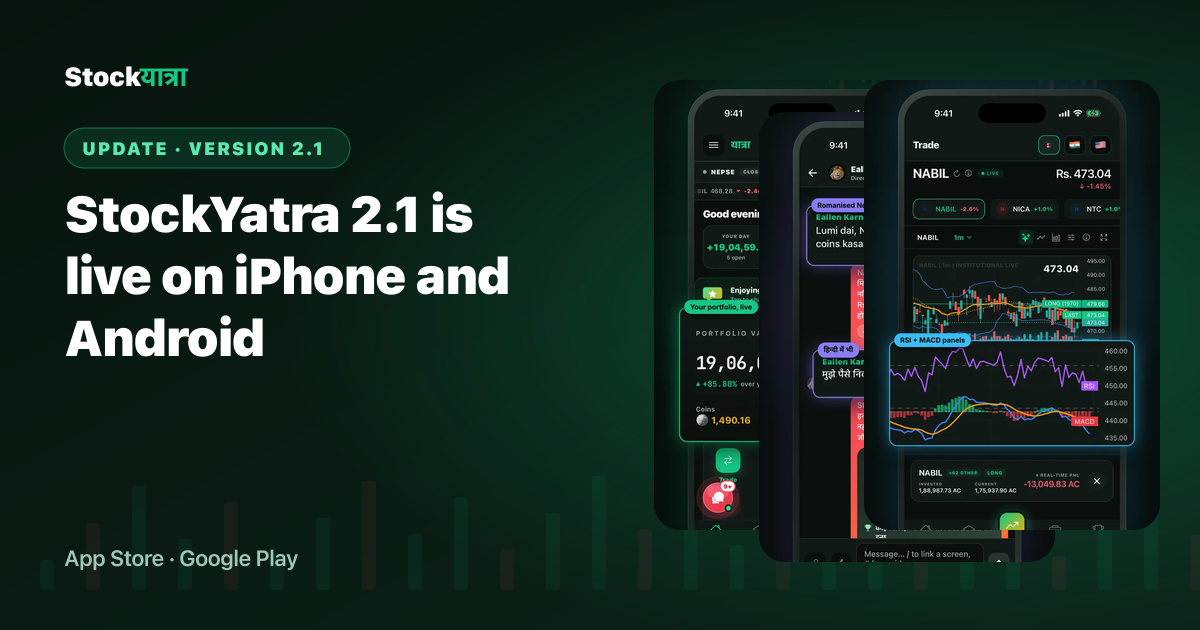
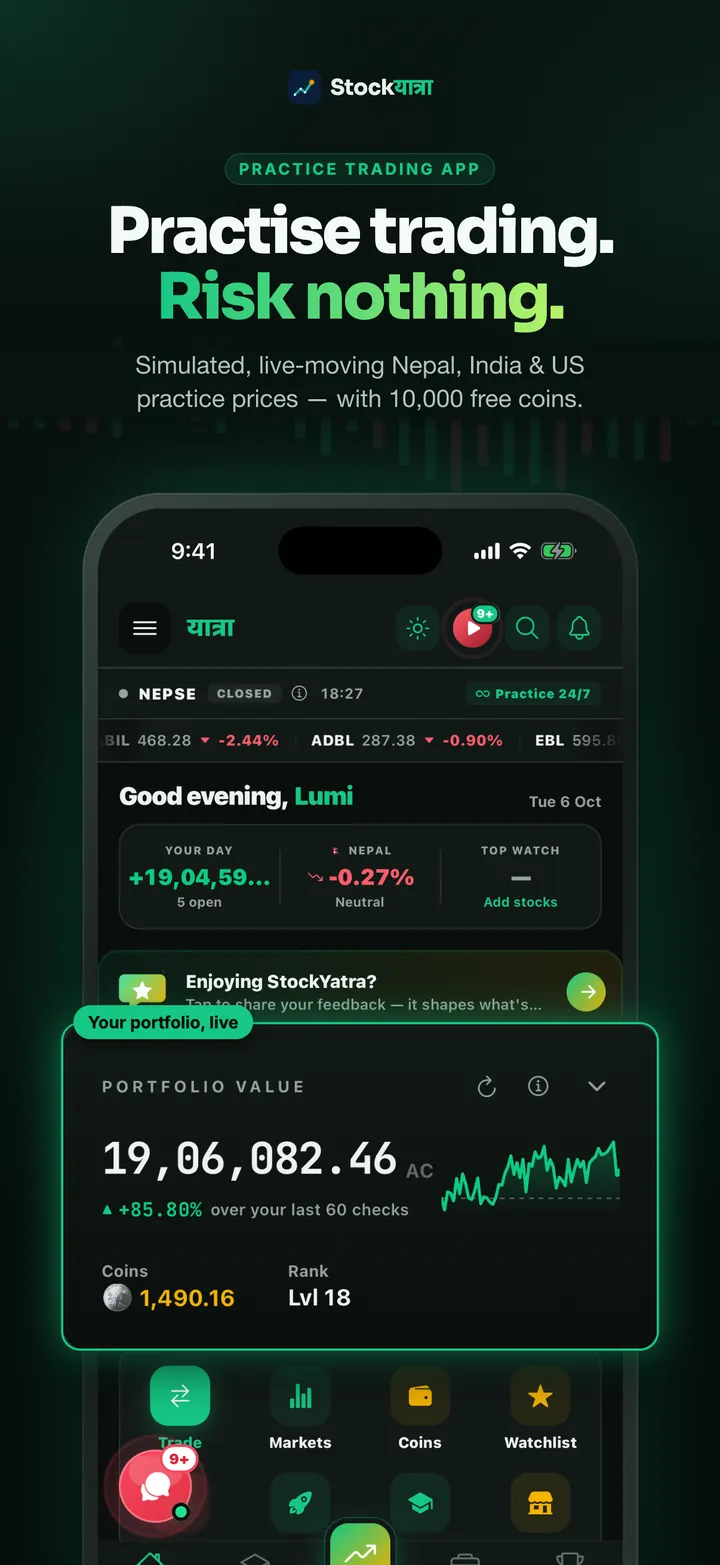
- StockYatra 2.1 is live on the App Store (approved 7 October 2026) and on Google Play.
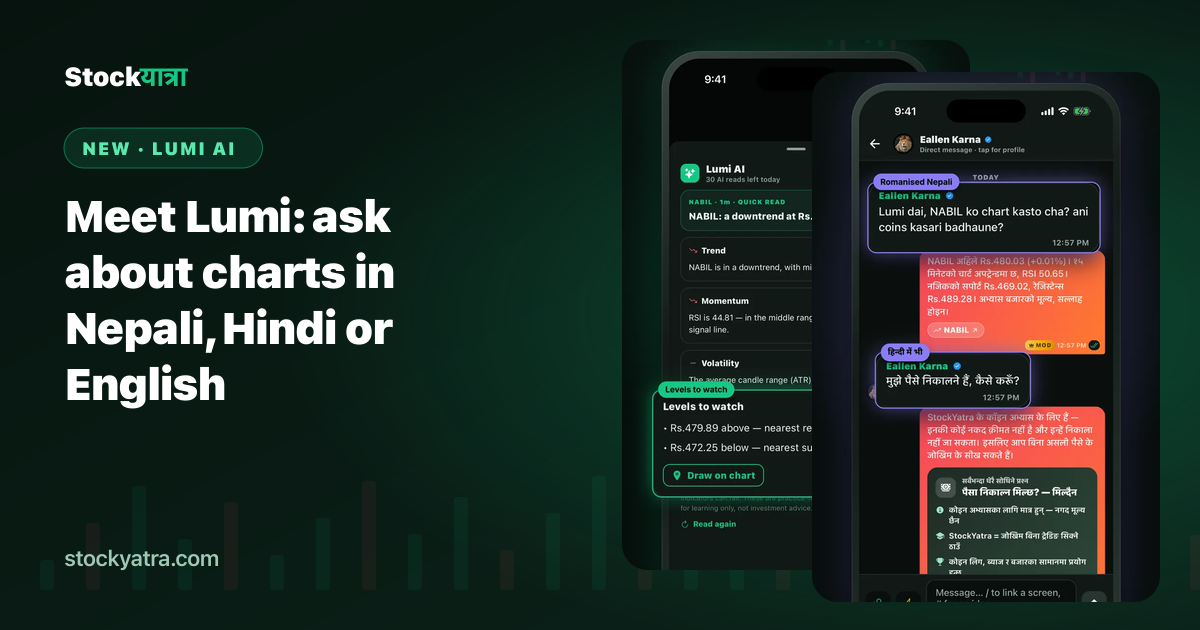
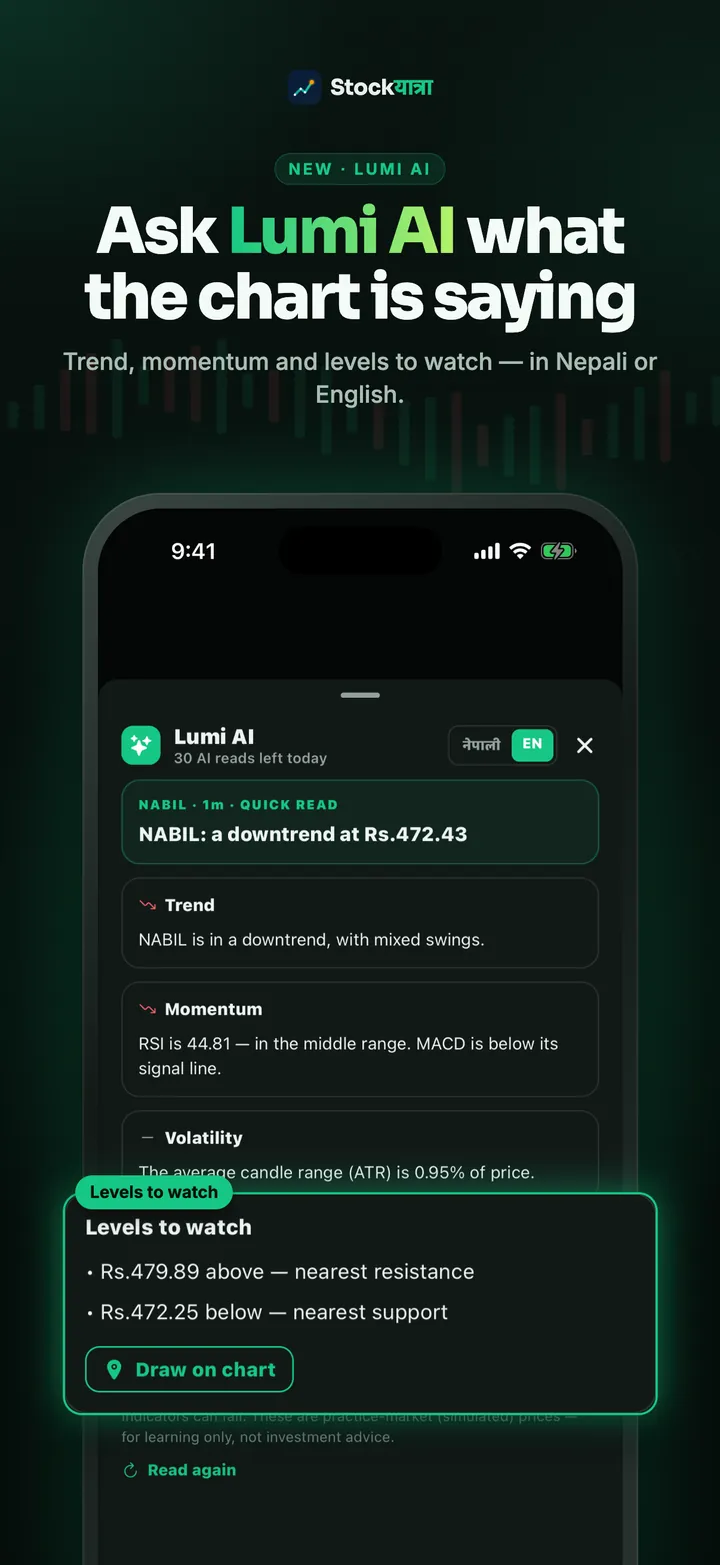
- New: Lumi AI answers in Nepali, Hindi and English, and explains any chart in plain words.
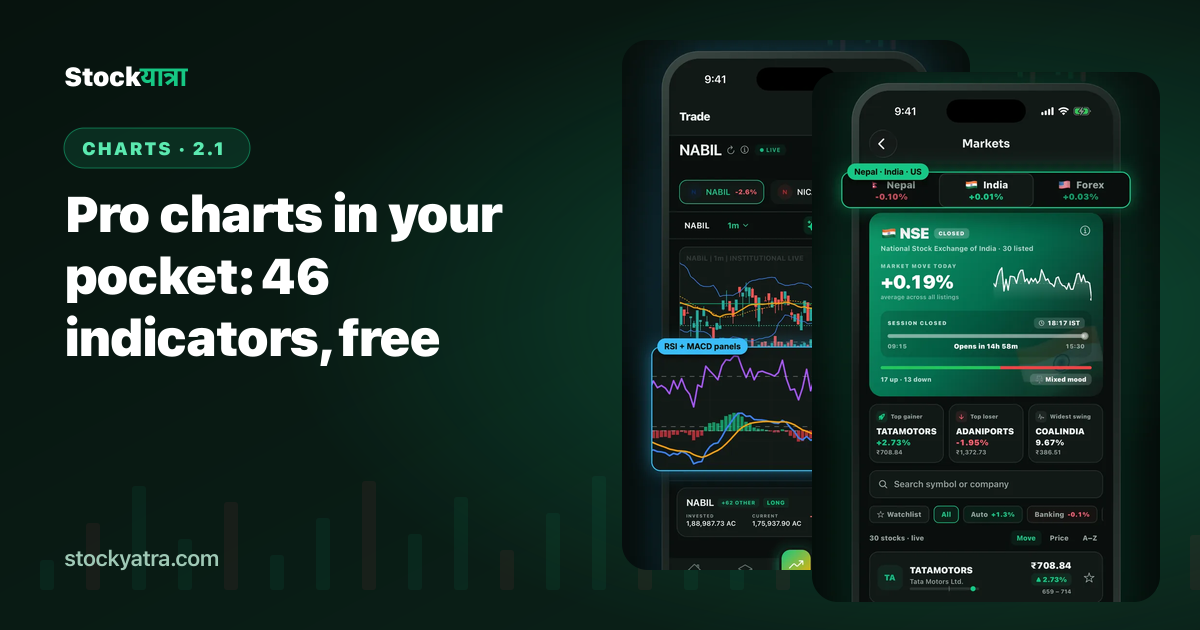
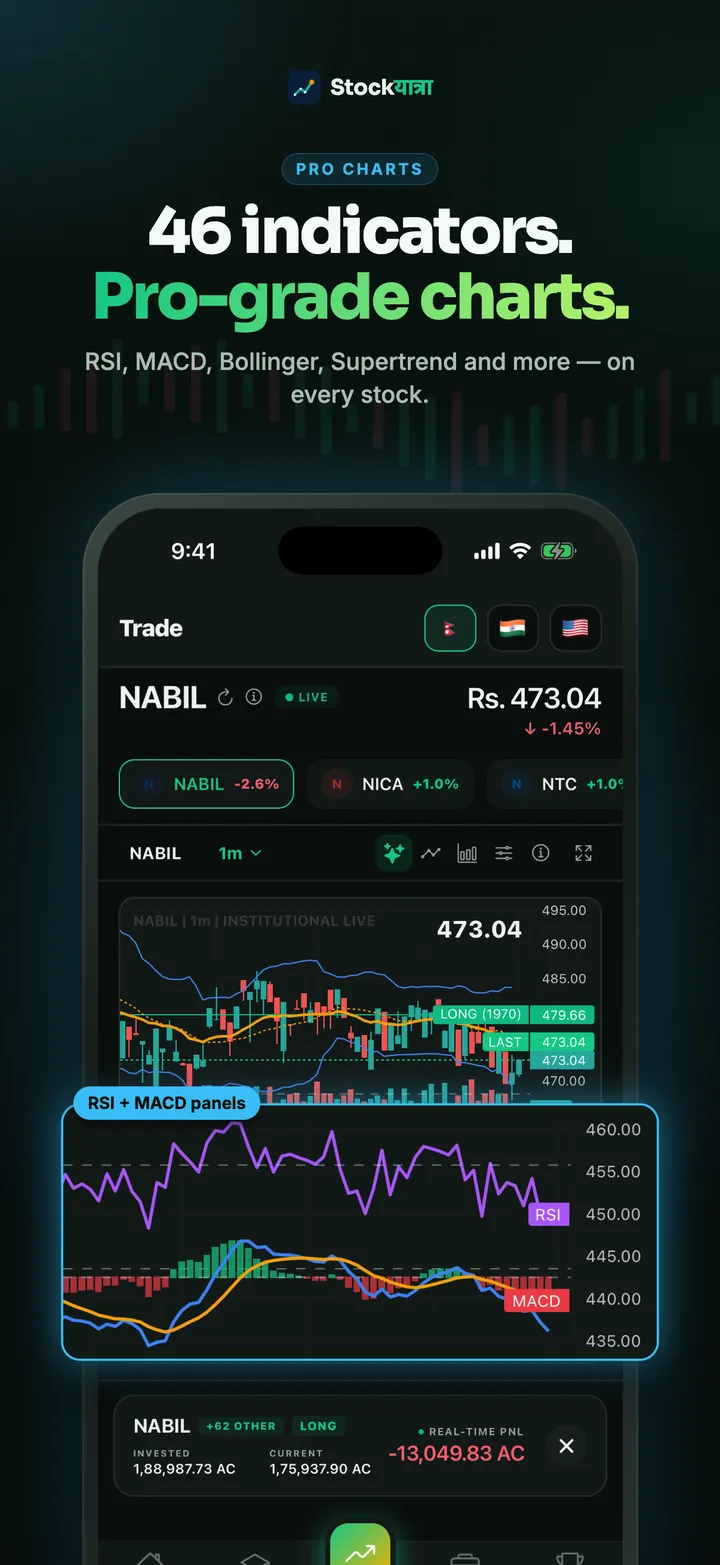
- Pro charts with 46 indicators and new chart types, plus a full-screen order ticket.
- Chat with friends, a verified Global chat, weekly leagues, the monthly Cup and Yatra Bazaar.
- Update from your phone's store, or open stockyatra.com/download.
StockYatra started as a simple idea: learn the share market on a practice account before you risk a rupee. Version 2.1 is the biggest step since launch. It is the first release built around three things beginners told us they needed most: someone to ask, charts that make sense, and people to learn with.
1. Lumi AI: your market buddy
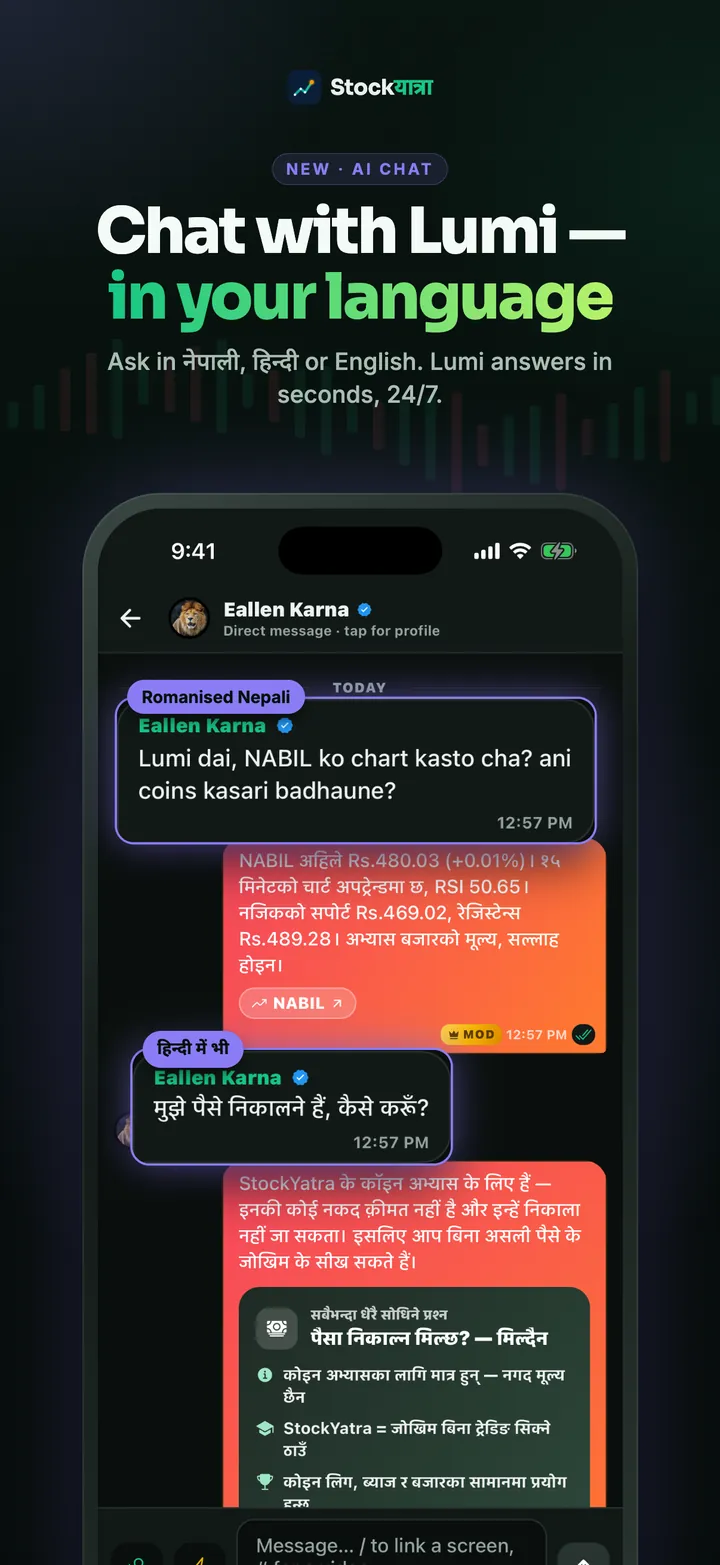
Lumi is StockYatra's assistant. Message Lumi from the chat tab, or mention @Lumi in Global chat, and ask anything about the market or the app: what RSI means, why a stop-loss matters, how Mero Share works. Lumi replies in the language you write in, including romanised Nepali like "NABIL ko chart kasto cha?".
Every AI answer carries an AI tag, and you choose whether Lumi may use AI at all: the app asks once and you can switch it off in Settings. Lumi explains and teaches; it never tells you to buy or sell. Read the full Lumi guide.
2. Pro charts with 46 indicators
The stock chart now carries 46 working indicators, drawn as overlays on the price or as stacked panes for RSI, MACD and other oscillators. New chart types include hollow candles, Renko, line break, baseline and real OHLC bars. A new full-screen order ticket keeps Buy and Sell on screen on every phone size. See how the charts work.
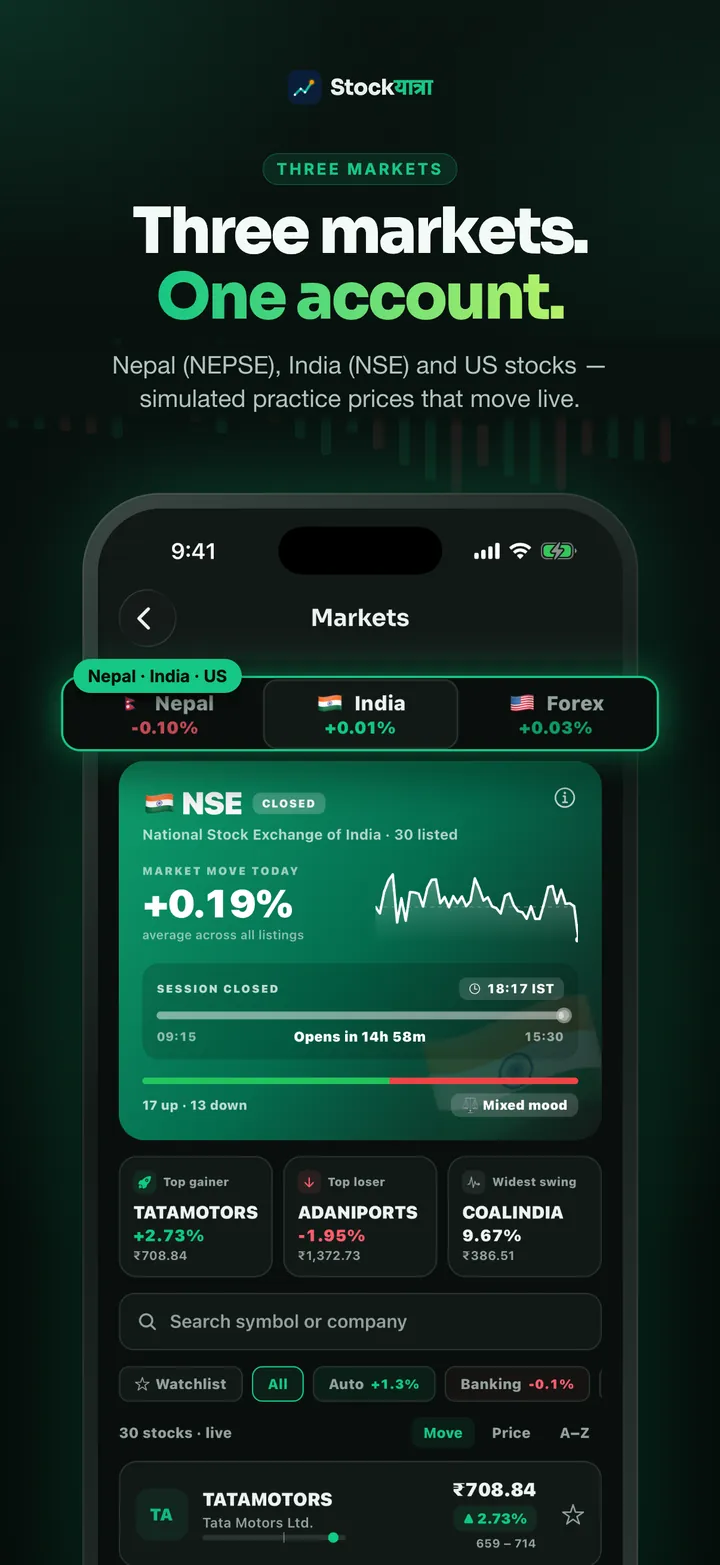

3. Learn together: chat, leagues and the Cup
Add friends and message them privately, or join the verified Global chat, where every member has confirmed their email or phone, messages can be reported and abusive users are muted or banned. Each week you are placed in a league of 30 traders; climb from Fox upward, keep your daily streak and make the daily Bull-or-Bear call. League points feed the monthly StockYatra Cup.
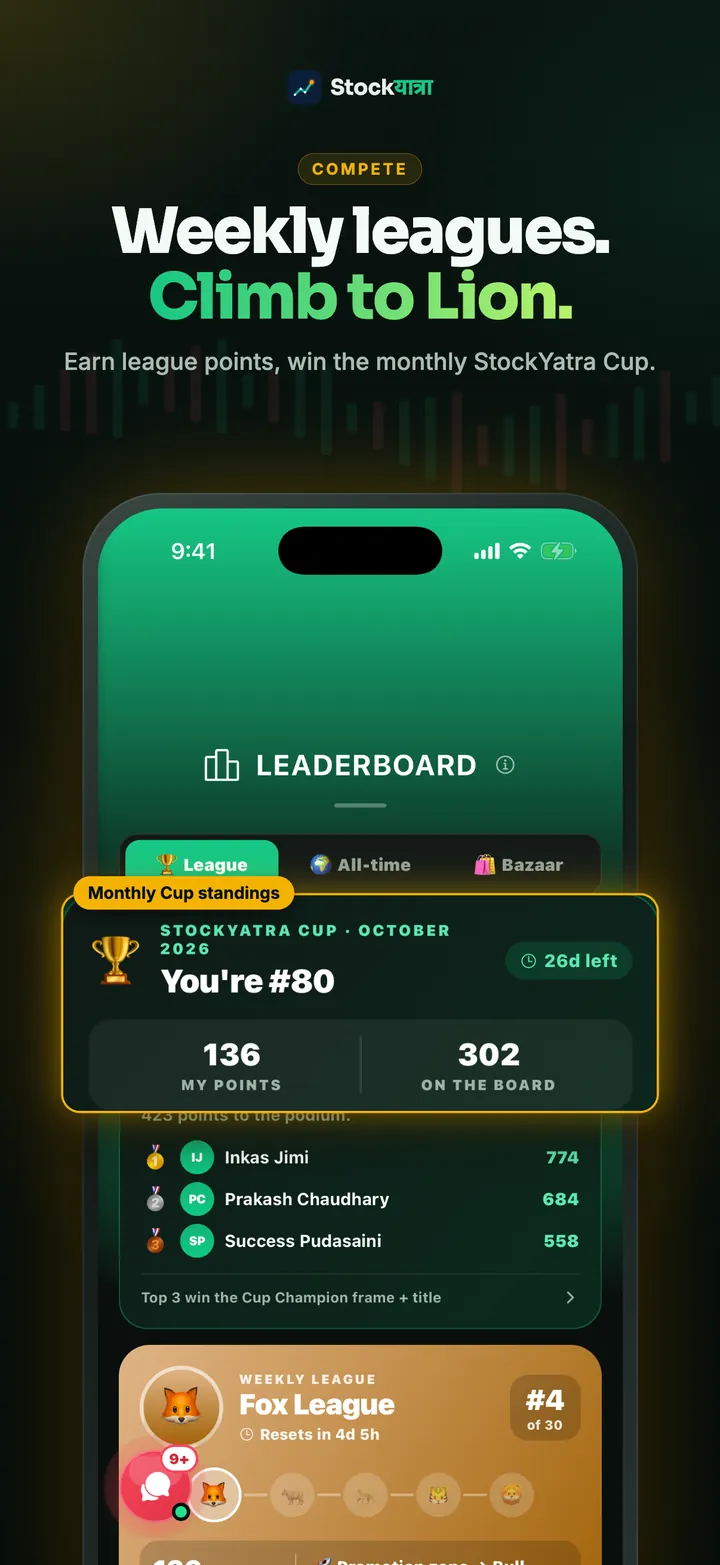
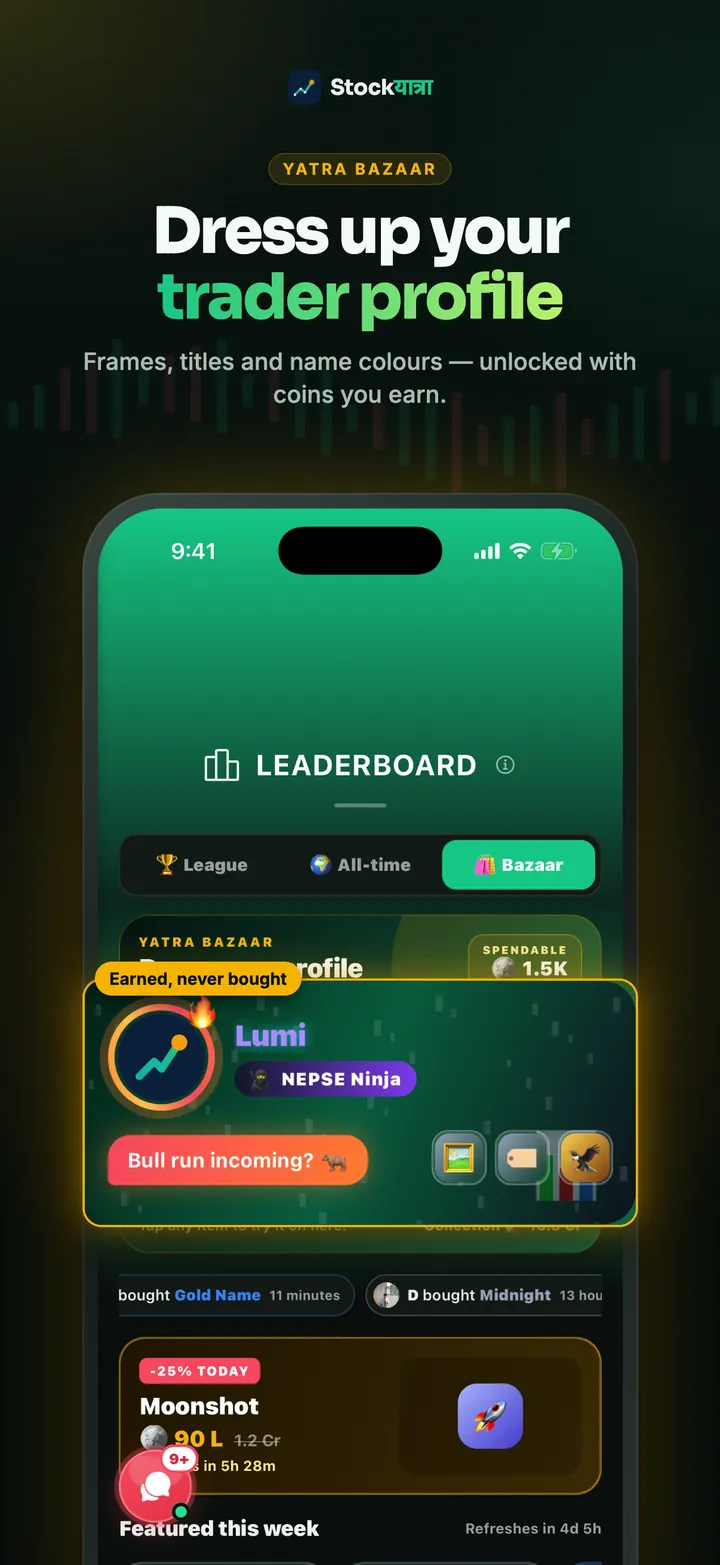
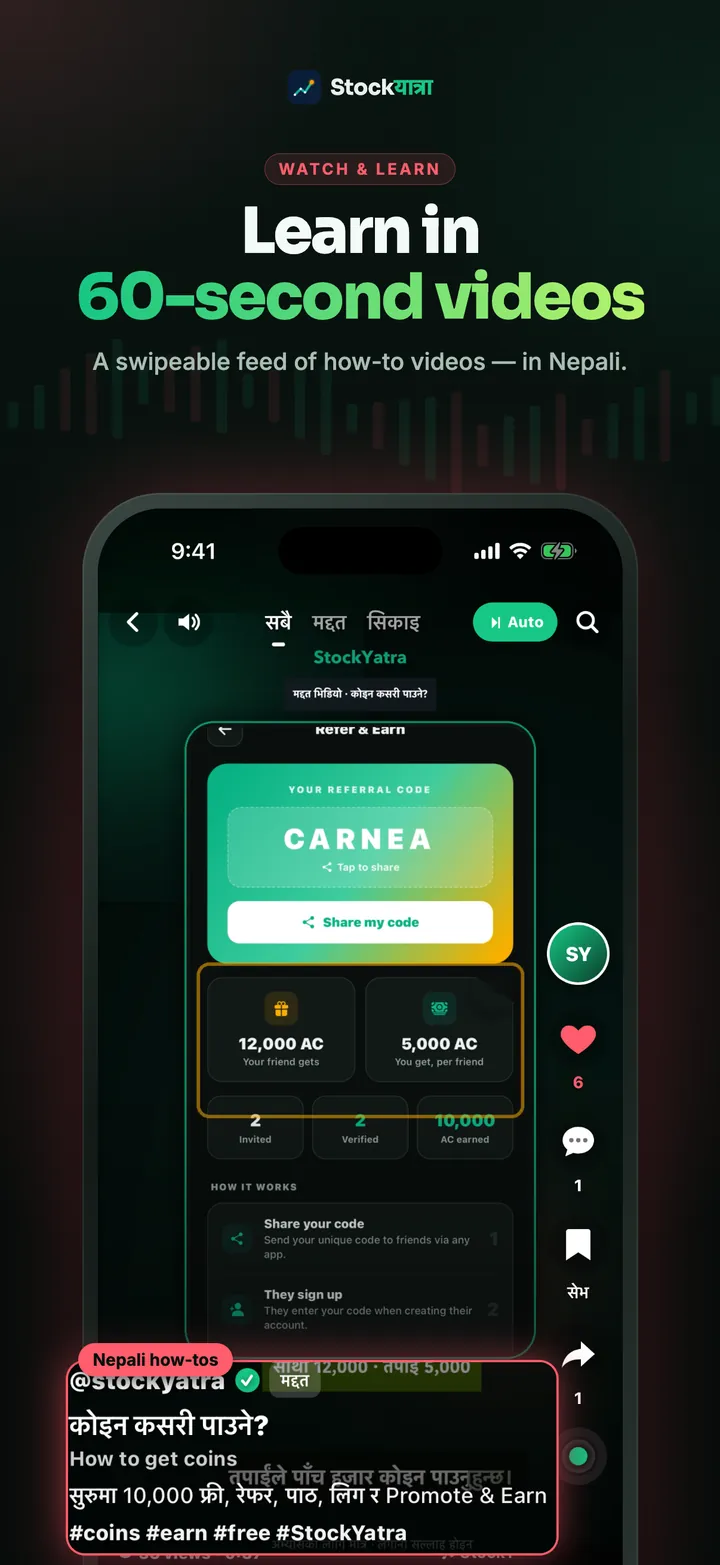
4. Learning in three languages
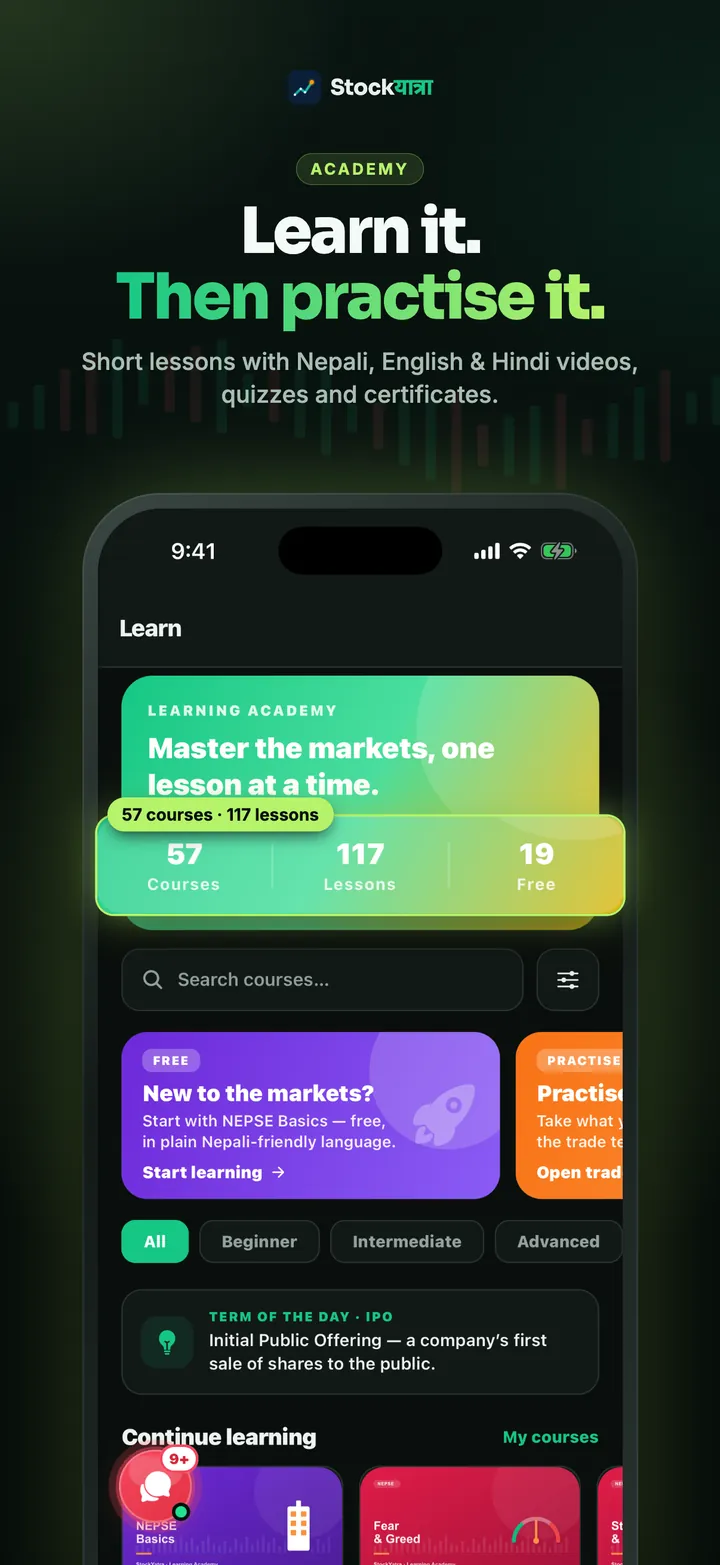
The Academy has 57 courses and 117 lessons, with explainer videos in Nepali, English and Hindi. Finish a course and you get a certificate with its own code that anyone can verify on the website. Short how-to videos for every main screen sit in the Watch feed.
5. Coins are earned, never sold
Every account starts with 10,000 free virtual coins. You earn more by finishing lessons and quizzes, keeping your streak, making the daily call, climbing your league and inviting friends. Coins have no cash value and cannot be bought, withdrawn or exchanged. Yatra Bazaar items are cosmetic and unlock with earned coins only.
How to update
- iPhone: open the App Store, search StockYatra and tap Update.
- Android: open the Play Store, search StockYatra and tap Update.
- Or open stockyatra.com/download on your phone; it takes you to the right store.
Already on 2.1? Small improvements then arrive automatically, usually after you reopen the app. The first one, released on 7 October, sets the NEPSE badge to the real Monday to Friday, 11:00 to 15:00 trading week.
Key takeaways
- 2.1 is on both stores; update from your phone's store.
- Lumi AI explains charts and answers questions in Nepali, Hindi or English, with your consent.
- 46 indicators, new chart types and a full-screen order ticket.
- Friends, Global chat, leagues, the Cup and certificates make practice social.
Summary in Nepali (नेपालीमा सारांश)
StockYatra 2.1 अब App Store र Google Play दुवैमा उपलब्ध छ। Lumi AI ले नेपाली, हिन्दी र अंग्रेजीमा चार्ट र बजारबारे बुझाउँछ, ४६ इन्डिकेटरसहितको प्रो चार्ट, साथीहरूसँग च्याट, साप्ताहिक लिग र मासिक कप थपिएका छन्। आफ्नो फोनको स्टोरबाट update गर्नुहोस्।
Update or download StockYatra
StockYatra 2.1 is free on the App Store and Google Play. One link opens the right store for your phone. You start with 10,000 free virtual coins and earn more by learning; prices are simulated and coins are never real money.
More from the 2.1 launch
- Meet Lumi: ask about charts in Nepali, Hindi or English
- Pro charts in your pocket: 46 indicators
- Case study: 30 to 2,150 learners in 60 days
- Case study: 357 certificates and how beginners learn
- Full changelog
StockYatra is an education app, not a broker or adviser. Prices on its practice market are simulated around each stock's real-world level, coins are virtual, and nothing here is a recommendation to buy or sell any security.