In short
- Lumi is the assistant inside StockYatra 2.1, in the app and the web trade terminal.
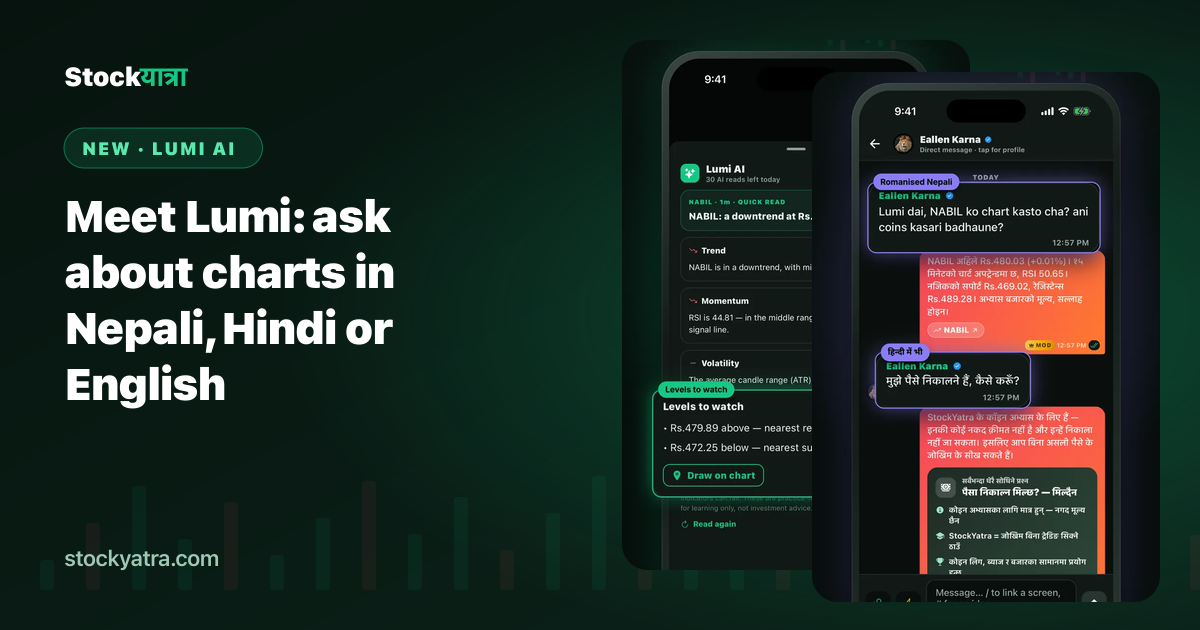
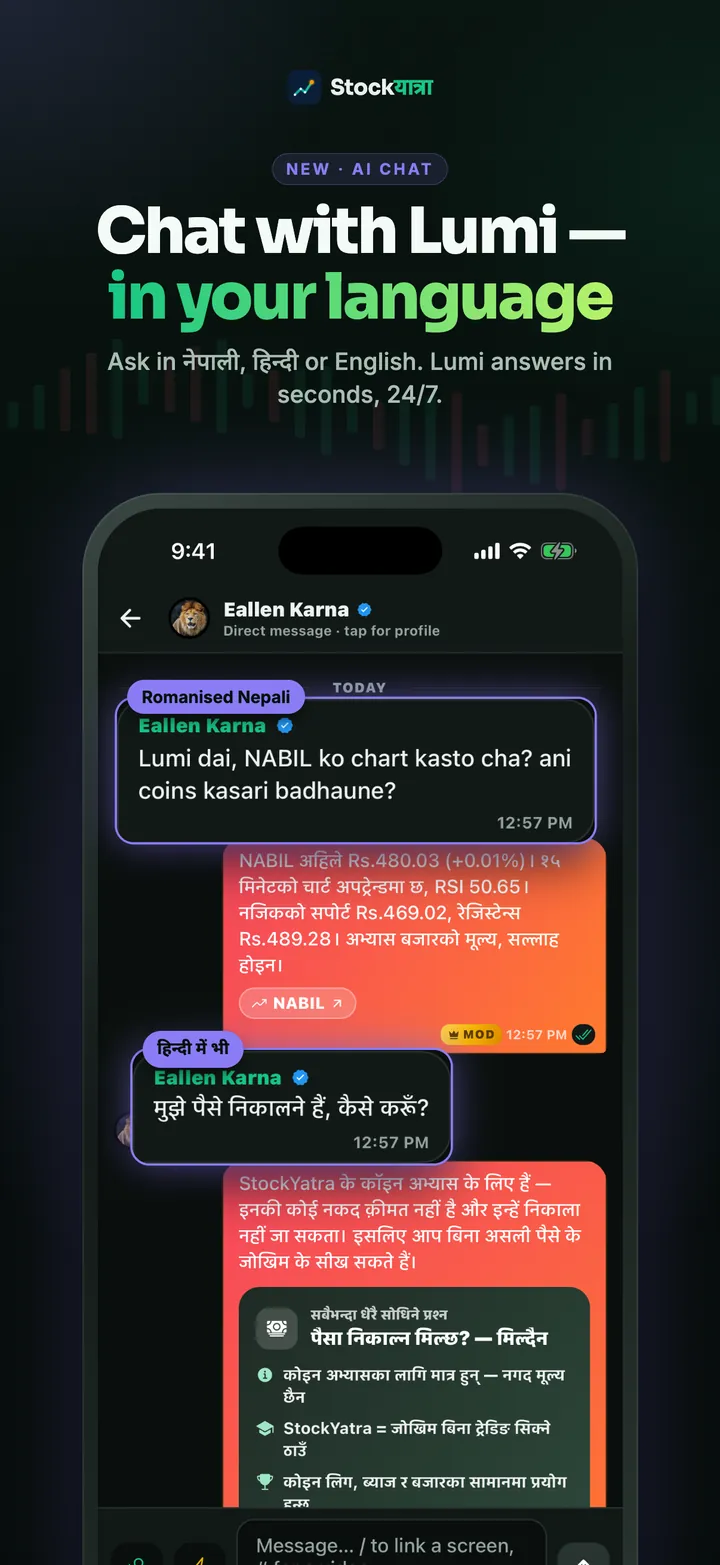
- Ask in Nepali, Hindi or English, including romanised Nepali.
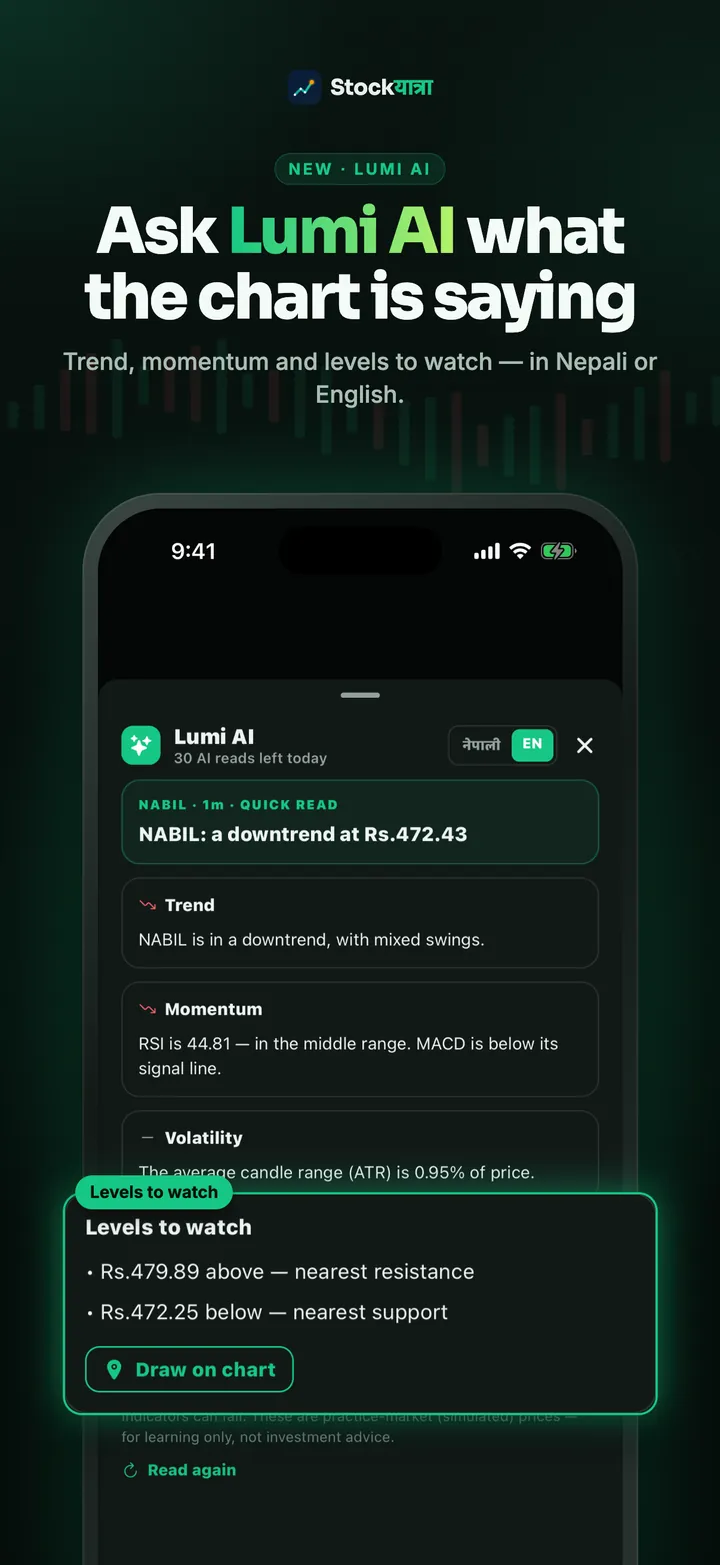
- It explains charts in plain words: trend, momentum, volatility and the levels to watch.
- You decide whether Lumi uses AI. Every AI answer is tagged, and Lumi never gives buy or sell tips.
Most beginners do not get stuck on clicking Buy. They get stuck on questions they feel shy to ask: what is RSI, why did my stop-loss trigger, how does an IPO allotment work. Lumi exists so those questions get an answer in seconds, in the language you think in.
Three ways to use Lumi
- Private chat. Tap Ask Lumi in the chat tab and message it like a friend.
- In Global chat. Mention @Lumi and it answers in the thread so everyone learns.
- On a chart. Ask Lumi to read the chart you are looking at. You get a short card for trend, momentum and volatility, plus the nearest support and resistance, which you can draw on the chart with one tap.
Short answers, on purpose
Lumi keeps replies short, usually one or two sentences, and adds a link to the right StockYatra guide when there is more to read. Short answers are easier to read on a phone and keep the service free for everyone. There is a daily limit per person, shared across all AI features; when you reach it, Lumi tells you when it resets. Common questions are answered from StockYatra's own help library without using AI at all.
Your choice, clearly labelled
The first time a message would go to the AI, the app asks for your consent and explains what is sent. You can turn Lumi AI off at any time under Settings. Answers written by AI carry an AI tag so you always know who is talking. Questions asking for tips or "which share will go up" get a friendly explanation of why nobody can promise that, plus a lesson to read instead.
Good questions to try
- "RSI 70 mathi gayo bhane k bujhne?"
- "What is the difference between a limit and a market order?"
- "IPO ma kitta kasari allot huncha?"
- "स्टॉप-लॉस कहाँ लगाना चाहिए, कैसे सोचें?"
Key takeaways
- Lumi answers in Nepali, Hindi and English.
- Chart reads cover trend, momentum, volatility and levels.
- AI use needs your consent and is always tagged.
- Education only: no tips, ever.
Summary in Nepali (नेपालीमा सारांश)
Lumi StockYatra भित्रको AI साथी हो। नेपाली, हिन्दी वा अंग्रेजीमा सोध्नुहोस्; यसले चार्ट, इन्डिकेटर र बजार सजिलो भाषामा बुझाउँछ। AI प्रयोग गर्न तपाईंको अनुमति चाहिन्छ, र Lumi ले कहिल्यै किन्ने वा बेच्ने सल्लाह दिँदैन।
Ask Lumi your first question
StockYatra 2.1 is free on the App Store and Google Play. One link opens the right store for your phone. You start with 10,000 free virtual coins and earn more by learning; prices are simulated and coins are never real money.
More from the 2.1 launch
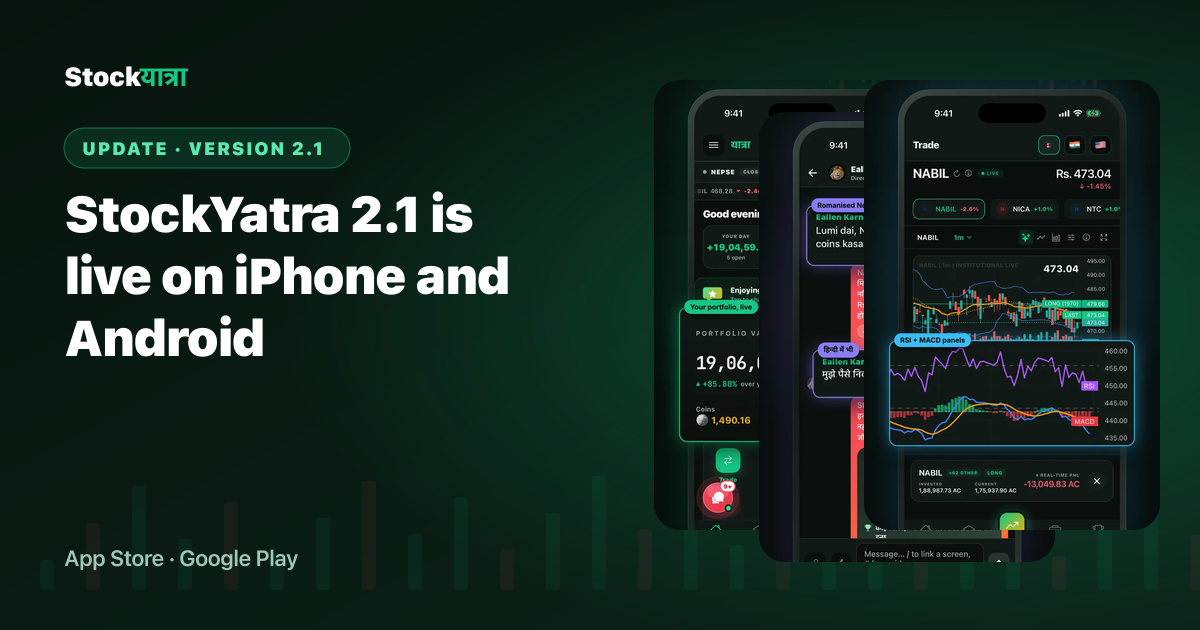
- StockYatra 2.1 is live on iPhone and Android
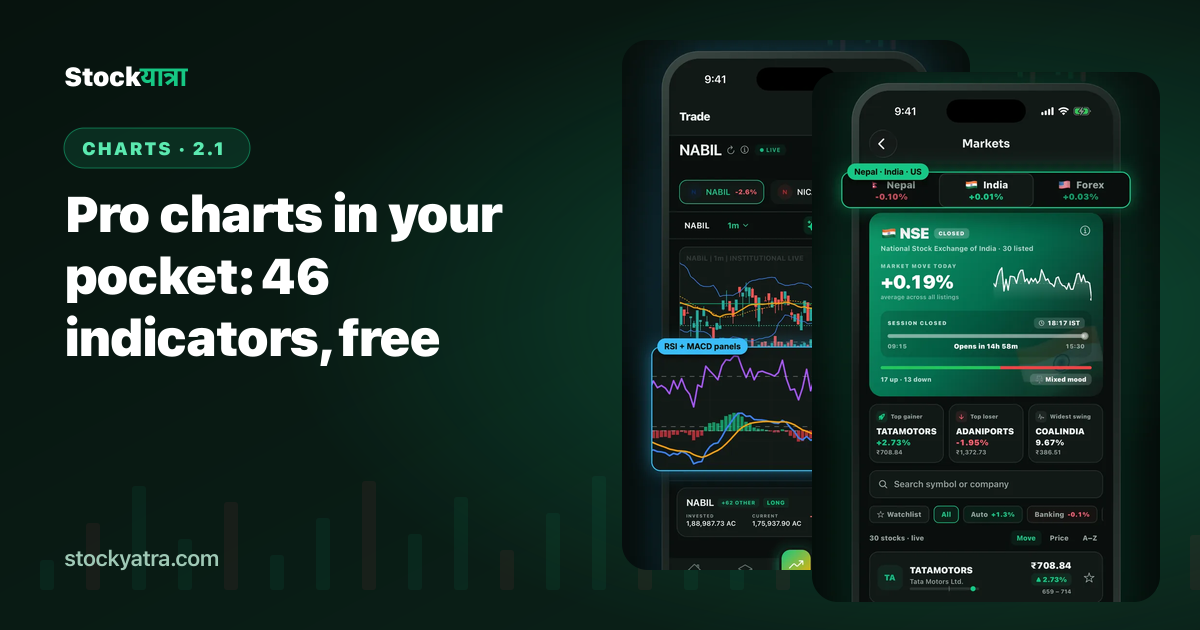
- Pro charts in your pocket: 46 indicators
- Case study: 30 to 2,150 learners in 60 days
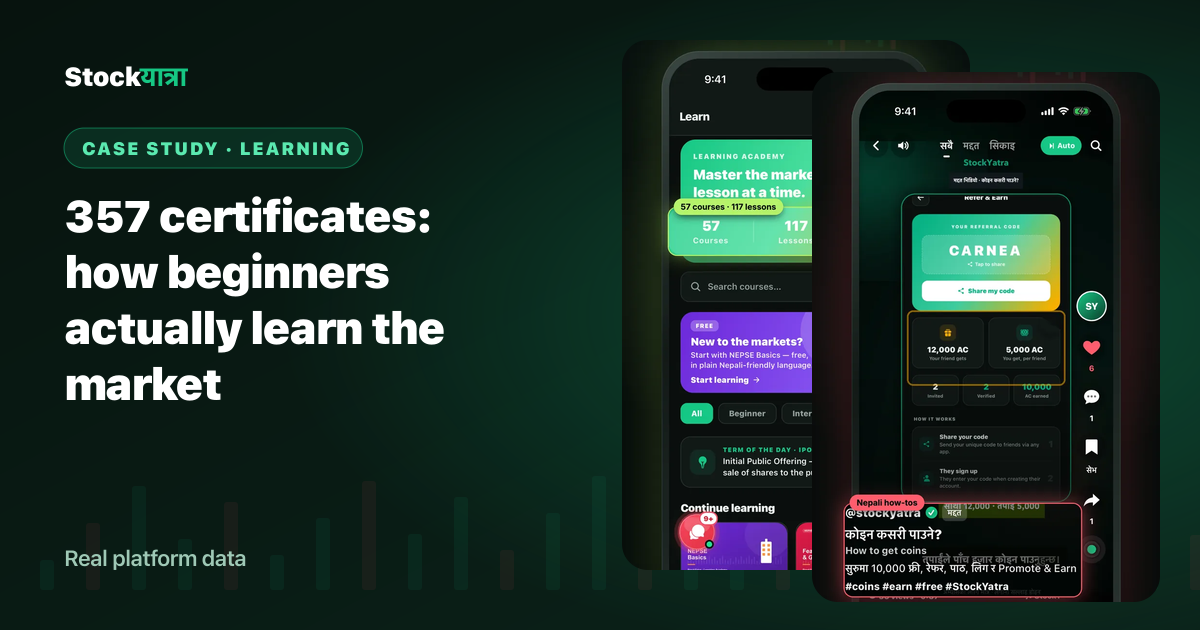
- Case study: 357 certificates and how beginners learn
- Full changelog
StockYatra is an education app, not a broker or adviser. Prices on its practice market are simulated around each stock's real-world level, coins are virtual, and nothing here is a recommendation to buy or sell any security.